
AI-Era Code Quality for Small Teams
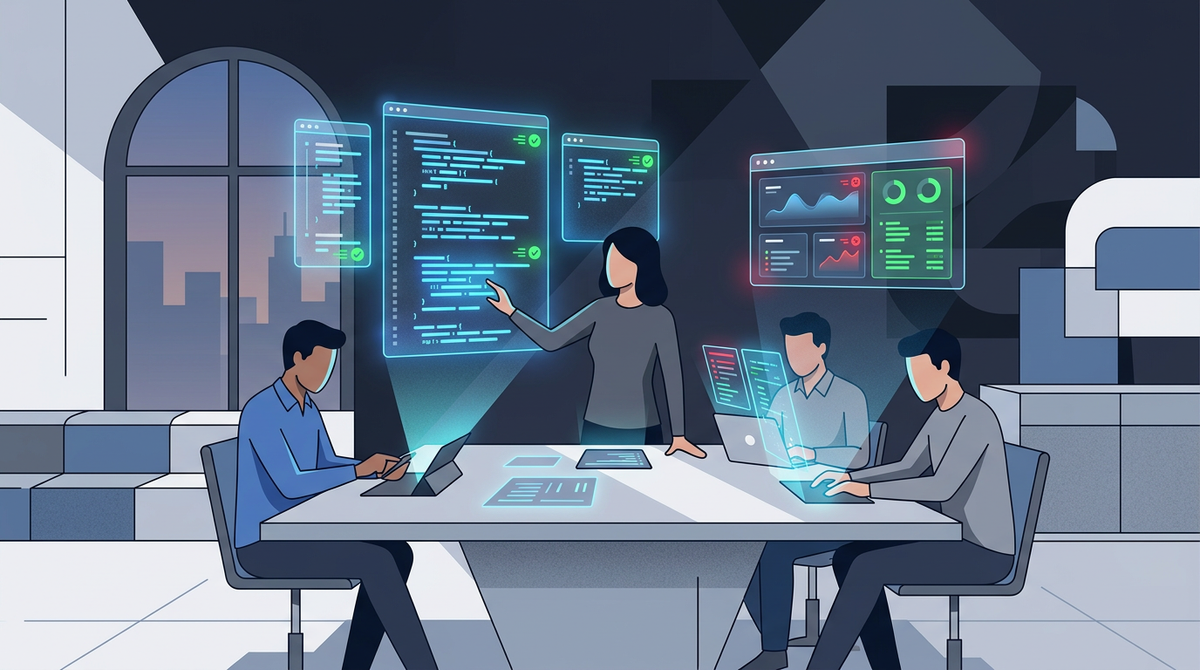
Speed and quality used to be a tradeoff. They're not anymore.
Most early-stage teams have the same story right now: shipping fast, iterating constantly, learning from customers, and watching the codebase get messier with every sprint. That's always been the deal. Move fast, clean it up later. Speed or quality, pick one.
That tradeoff is over. The tools caught up. You can move fast and keep the codebase clean at the same time. But only if you set up the right process. Most teams haven't yet, not because they're bad at what they do, but because this stuff is so new that the playbook didn't exist six months ago.
This is the new baseline.
The New Reality: AI Tools Amplify Everything
AI coding agents (Claude Code, Codex, Cursor, Copilot) are already on most engineering teams. That's a good thing. These tools are powerful.
But here's what most teams haven't figured out yet: these tools amplify whatever process you have in place. If you have clear standards, good tests, and solid architecture patterns, the tools make your team dramatically faster. If you don't have those things, the tools generate more code, faster, with the same gaps. More output, same problems, compounding quicker.
This isn't about skill level. Even experienced engineers are figuring out how to work with these tools in real time. The tools are that new. The difference isn't who's using them. The difference is whether the process around them is set up to catch issues automatically, or whether everything still depends on someone manually reviewing every line.
The teams that figure out the process first are going to pull ahead fast.
The Process That Makes It Work
Here's the framework. Four pieces, and they compound on each other.
1. Automated AI Code Review on Every PR
Set up AI-powered code review that runs on every pull request before it can merge. This catches quality issues, naming inconsistencies, security problems, and architectural violations automatically.
This handles 80% of the issues that make codebases messy before they ever get merged. It's not a replacement for human judgment on complex decisions, but it handles the repetitive stuff automatically so your team can focus on the work that matters.
What to configure:
- Naming conventions and code style rules
- Architecture boundaries (what can import what)
- Security patterns (input validation, auth checks)
- Performance anti-patterns specific to your stack
2. Test-Driven Workflows
This is the single highest-impact change you can make. Write the tests first, then let the developer (or the AI agent) write the code.
When tests exist, the specs become the guardrail. Anyone on the team can write code that passes a well-defined test suite and produce something that actually works correctly. When it doesn't pass, they know immediately.
The other benefit: when code is properly tested, you can refactor messy code in minutes with an AI agent. The tests verify nothing broke. The cost of cleaning things up dropped to near zero. That's what changed. You don't have to choose between moving fast and keeping things clean. You do both.
The pattern:
- Write the test (what should this code do?)
- Confirm the test fails (red)
- Write the code until the test passes (green)
- Refactor if needed (the tests protect you)
If your team isn't doing this, start here. Everything else compounds on top of it.
3. Coding Standards Baked Into the Tooling
Most teams have a style guide somewhere in a wiki that nobody reads. Modern agentic tools let you embed your standards directly into the development environment.
Tools like Claude Code read project-level configuration files (like CLAUDE.md) on every run. Put your architecture decisions, naming conventions, and coding standards in there. The AI agent follows them automatically, every time. Nobody has to remember the rules. The rules enforce themselves.
What to put in your project configuration:
- Architecture patterns (where do new features go?)
- Naming conventions
- Error handling patterns
- Testing requirements (every new function needs a test)
- What not to do (common anti-patterns specific to your codebase)
4. Someone Who Knows What Good Looks Like
All of this works because someone defines what "good" means for your codebase. The review rules, the test patterns, the architecture guardrails in the project config. Once that's set, the tools enforce it automatically. The person who set it up focuses on the judgment calls: architecture decisions, complex PRs, and evolving the standards as the product grows.
That's what I do. I set up the system, get it running, and make sure your team can sustain it.
The Compound Effect
Here's what happens when all four pieces are in place:
- Code gets written with AI agents that follow your standards automatically
- Automated review catches anything that slips through
- Tests verify everything works before it merges
- Messy code gets cleaned up in minutes, not days
- The codebase stays clean even as you iterate fast
Speed and quality, at the same time. That's the new baseline. The teams that set this up now are the ones that pull ahead.
The Bottom Line
If your team is iterating fast and the codebase is getting messy, the problem isn't your team. The problem is that the tools changed and the process didn't catch up yet. Almost nobody's process has. This is all too new.
Fix the process. The tools will do the rest.
I help builders and entrepreneurs set up exactly this kind of system. If your team is moving fast but the codebase is paying for it, I can help. Book a call or DM me on LinkedIn.